Your reply is public. It is not only for the person who wrote the review. Future customers may read it while deciding whether to contact, visit, or buy from you. That is why a calm, specific response usually does more than a polished-sounding script copied under every review.
This guide explains how to handle positive, mixed, negative, and policy-breaking reviews without making promises you cannot keep. If you are still building a simple way to invite feedback, start with our honest Google review routine, then return here when the first responses arrive.
Find the reply option and know what happens next
You need a verified Google Business Profile before you can reply. Sign in to the account that manages the profile, search for your business, choose Read reviews, then select Reply beside the review. In Google Maps on a computer, you can also open your profile, scroll to Reviews, and choose Reply.
Google reviews your response before it appears. Once approved, it sits publicly beneath the customer’s review, and the reviewer is notified. They may update their review after reading your reply. You can also edit or delete your own response later, so you do not need to treat a first draft as permanent.
Read the review once before typing. If a team member handled the visit, check the basic facts privately first. Do not use the public reply to investigate, debate, or ask for identifying information. The public message is where you show care and explain the next step. The details belong in a private conversation when one is needed.
Google’s own guidance is a useful standard: keep responses positive, relevant, short, and conversational rather than promotional. A reply that sounds like a person is more reassuring than one that sounds like a campaign.
Use a simple structure before you write
Most helpful replies have three or four small parts. First, address the reviewer by name when that feels natural. Next, thank them for taking the time to share a real experience. Then acknowledge one specific point from their review. If a problem needs attention, explain the next step without turning the comment thread into a case file.
That structure gives you enough direction without making every answer identical. It also protects against two common mistakes: a generic reply that ignores the customer’s actual words, and a long defensive reply that makes a small problem look larger.
- Thank: recognise the time the person took to leave feedback.
- Be specific: refer to a real detail they mentioned, when appropriate.
- Respond: acknowledge a concern, or reinforce what went well.
- Guide: when there is a problem, offer a private way to continue the conversation.
Keep the tone close to the way your business speaks in person. A neighborhood café can be warm and brief. A professional service may be more formal. In both cases, accuracy and respect matter more than clever wording. Never add details about an order, appointment, health matter, payment, or private interaction that the customer did not already choose to make public.
How to reply to a positive Google review
A positive review is a chance to say thank you without turning the reply into an ad. Mention the specific service, product, or moment the customer enjoyed if it is already in their review. A short personal note tells future readers that the compliment was seen, while a repeated sales message can make the exchange feel automated.
Try this adaptable shape:
“Thank you, [Name], for sharing this. We are glad [specific detail] made your visit a good one. We appreciate you choosing us and hope to see you again. [Name or initials]”
For a local service business, the middle line might say, “We are glad the repair was finished when you needed it.” For a retailer, it could say, “We are glad you found the gift you had in mind.” Keep the statement true and modest. You do not need to repeat the customer’s full review or add a discount code below it.
It is fine for replies to be short. “Thanks, Maya. We are glad you enjoyed your first visit and appreciate you taking the time to let us know.” can be enough when there is not much more to add. Save longer replies for a question, a useful update, or a concern that needs a clear response.
Avoid copying the exact same thank-you message under every review. Customers can notice when every answer is identical. A simple rotating pattern is better: one genuine detail, one sincere thank-you, and a natural sign-off from the person or team replying.
How to reply to a mixed or negative Google review
Negative feedback can be uncomfortable, especially when you believe the full story is more complicated. Pause before replying. Your public response is for the reviewer and for everyone who reads it later. A calm reply can show that you take concerns seriously, even when you cannot agree with every detail.
Start by acknowledging the customer’s experience. Apologize when an apology is appropriate, without admitting facts you have not checked or promising an outcome you cannot deliver. If the issue is complex, invite the customer to continue through a real email address or phone number. Do not ask them to post their contact details in public.
Use this as a starting point:
“Hello, [Name]. We are sorry to hear that your experience fell short. We appreciate you raising [the concern they mentioned], and we would like to understand it better. Please contact [name or team] at [phone or email] so we can look into this with you. [Name or initials]”
A mixed review deserves the same care. Thank the customer for what went well, name the concern without arguing about it, and explain a genuine next step if there is one. For example: “Thank you for recognizing our team’s help, and we are sorry the wait was longer than expected. We are reviewing how we handle busy periods, and we appreciate the feedback.”
Do not accuse a reviewer of lying, reveal personal information, threaten legal action, or argue point by point in public. Do not offer a reward in exchange for changing or removing a review. A public response should not pressure anyone to revise their view. If you make a practical correction, such as clarifying an updated policy or schedule, state it briefly and keep the focus on helping the customer.
What to do when a review seems fake or breaks policy
You cannot remove a Google review simply because you disagree with it or it is negative. If you believe it violates Google’s review policies, you can report it from your Business Profile. Google decides whether the review qualifies for removal. Save any relevant internal records before you act, but do not publish those records in your reply.
If you choose to respond while a report is being reviewed, stay factual and restrained. A short note such as, “We take feedback seriously and cannot locate a record of this experience. Please contact us at [contact method] so we can look into it,” may be appropriate when it is true. Do not call the reviewer fake, share identifying information, or use the response to rally other customers.
For a review that appears to involve harassment, threats, personal information, or another serious issue, follow Google’s reporting route and get appropriate professional advice for your business before posting a detailed public response. The safest public reply is often the shortest one.
Google’s reporting guidance makes the boundary clear: a review must break its policies to be eligible for removal. A disappointing but genuine customer experience is better handled with a respectful response and an effort to improve the situation.
Build a review response routine your team can keep
A simple routine keeps reviews from becoming an afterthought. Decide who checks the Business Profile, how often they check it, which replies need a manager’s review, and where the team records recurring feedback. Keep a small set of adaptable starting lines, not a library of copy-and-paste answers.
Set a reasonable response window that your team can actually keep. A business that checks reviews every weekday morning and responds with care is better off than one that promises an immediate answer but leaves messages sitting for weeks. If a reply needs research, post only after you have enough information to be useful. Speed should never turn a response into a guess.
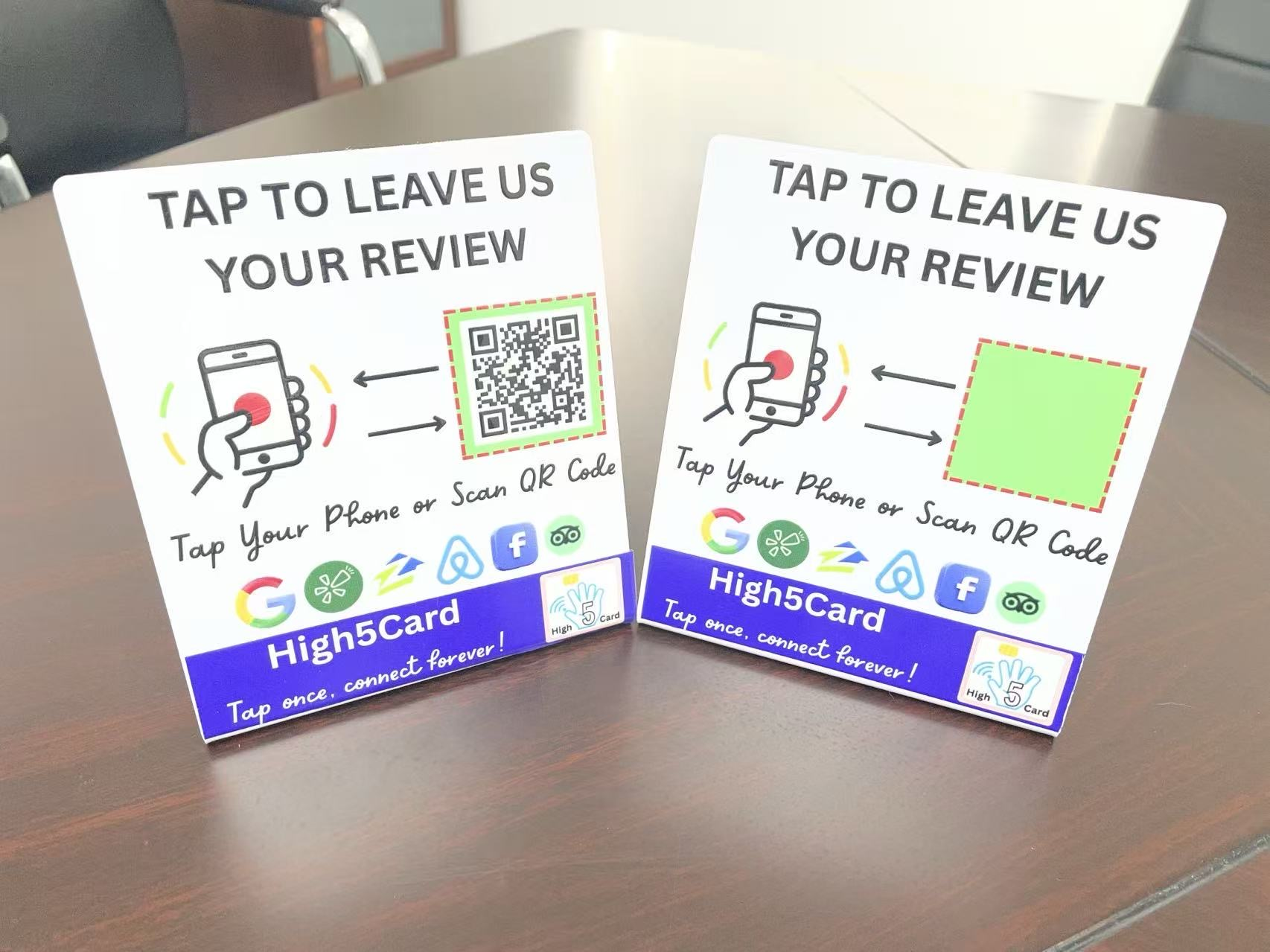
Connect the response routine to the way you invite feedback. If you use a direct review link, QR code, or a High5Card tap route, make sure it leads to the correct Business Profile and that your team is ready to read what comes back. Our Review Tap Card setup guide helps you test that customer path, while the review-request templates keep the invitation clear and optional.
High5Card review tools can make a customer’s chosen next step easier to reach. They do not create, filter, or control reviews. That is a good boundary. The customer decides what to write, and your team decides how to listen and respond thoughtfully.
Once a month, look for themes rather than obsessing over one comment. Are customers praising the same team habit? Are they repeatedly confused by the same handoff? Use those patterns to improve the actual experience, then let your review replies reflect the care behind the change.
Frequently asked questions
How do I respond to a Google review?
Open your verified Business Profile, choose Read reviews, find the review, select Reply, write a short relevant response, and select Reply to submit it. Your response is public once Google approves it.
Should I respond to every Google review?
A thoughtful response to reviews can show customers that you are listening. Keep replies short, personal, and relevant. When you cannot add anything useful to a very brief review, a simple sincere thank-you is enough.
What should I say in response to a negative Google review?
Acknowledge the person’s experience, apologize when appropriate, avoid arguing or sharing private details, and offer a real private route to continue the conversation. Do not promise an outcome you cannot deliver.
Can I remove a negative Google review?
Google does not remove a review simply because it is negative or you disagree with it. You can report a review that you believe violates Google’s policies, and Google decides whether it is eligible for removal.
Can I ask a customer to change a Google review?
Do not pressure a customer to change or remove a review, and do not offer a reward for doing so. Address the concern respectfully, then let the customer decide whether they want to update their review.
Are Google review replies public?
Yes. Approved replies appear beneath the customer’s review for anyone viewing your Business Profile. The reviewer is notified when you reply and may update their review afterward.